What to know before you choose
- Identify the limitation before adding hardware.
- Check current regional support for your essential services.
- Compare the number of everyday setup and control steps.
Begin with the current experience
Use the television normally and note what is inconvenient. Is an essential application unavailable, is navigation difficult, or is the issue actually related to an account or connection? A separate player should address the identified problem. If the built-in applications already provide the viewing experience you need, another device may add a remote and setup steps without delivering a meaningful improvement.
Check current compatibility on both sides
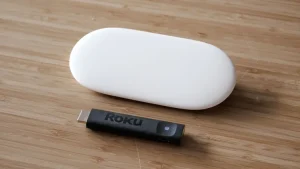
Compare the applications and features supported by the exact television and the proposed player in your region. Read the service providers’ current information as well as the hardware documentation. Do not infer support from a logo in an old photograph. A service may offer different capabilities across devices or plans, so focus on the combinations you will actually use rather than a general platform reputation.
Compare the daily control routine
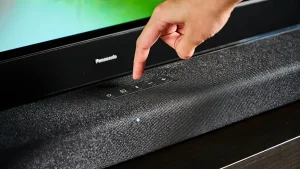
Consider how you would power the equipment, select a source, adjust sound and return to ordinary viewing. Account for any sound system connected to the television. One arrangement may be easier for your household even when both can play the same content. Verify control compatibility directly; this research comparison does not promise that a new player will consolidate every function into one remote.
Choose the smallest change that works
If a player is needed, shortlist models that meet the specific application and connection requirements. Compare their current total cost and return conditions. If the issue can be resolved through a supported update or account setting on existing equipment, consider that first. The aim is a dependable viewing setup, not a device purchase for its own sake or a claim that one category always outperforms the other.